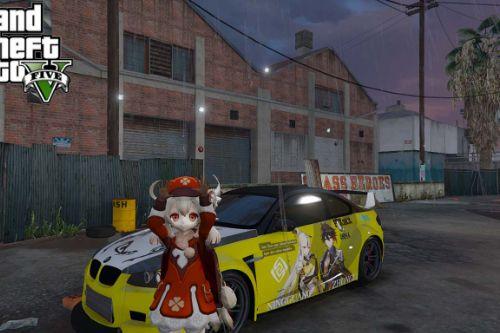
Genshin Impact Loading Screen 1.0



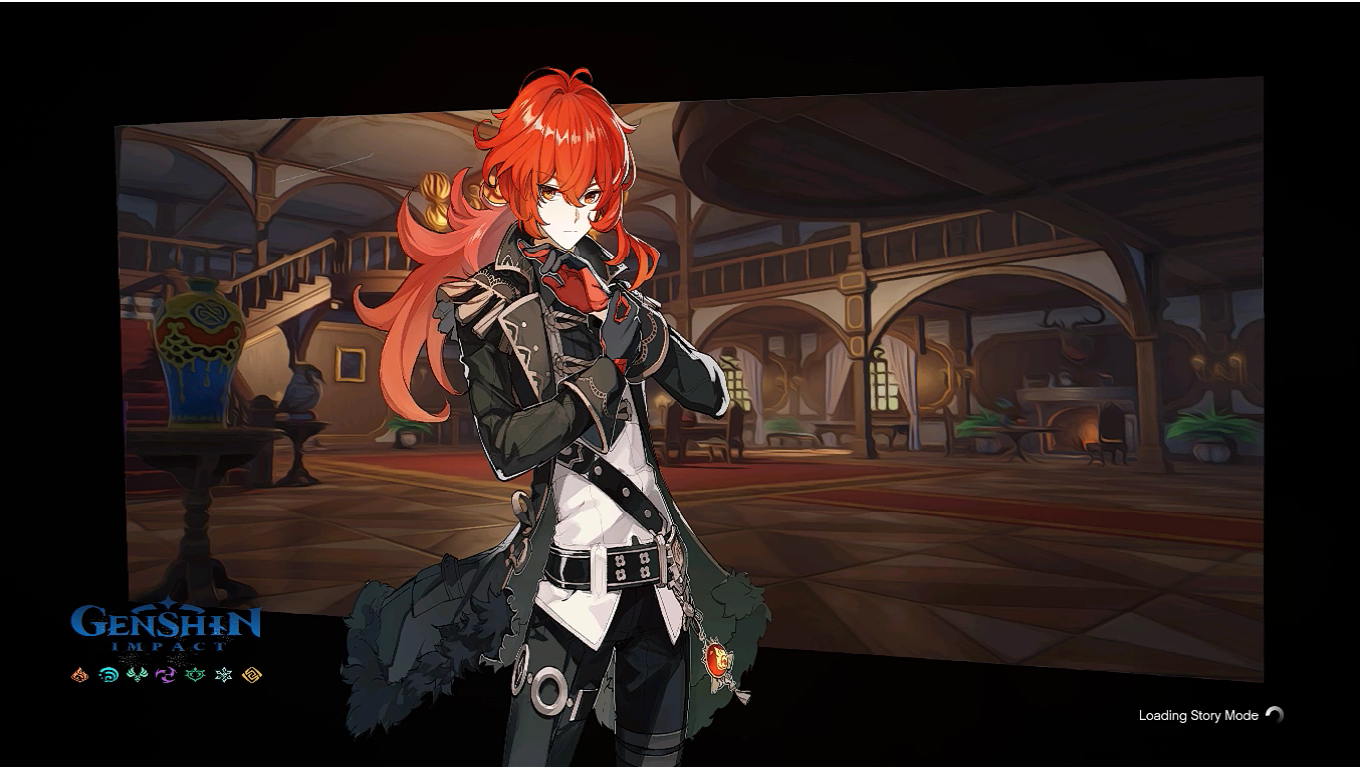
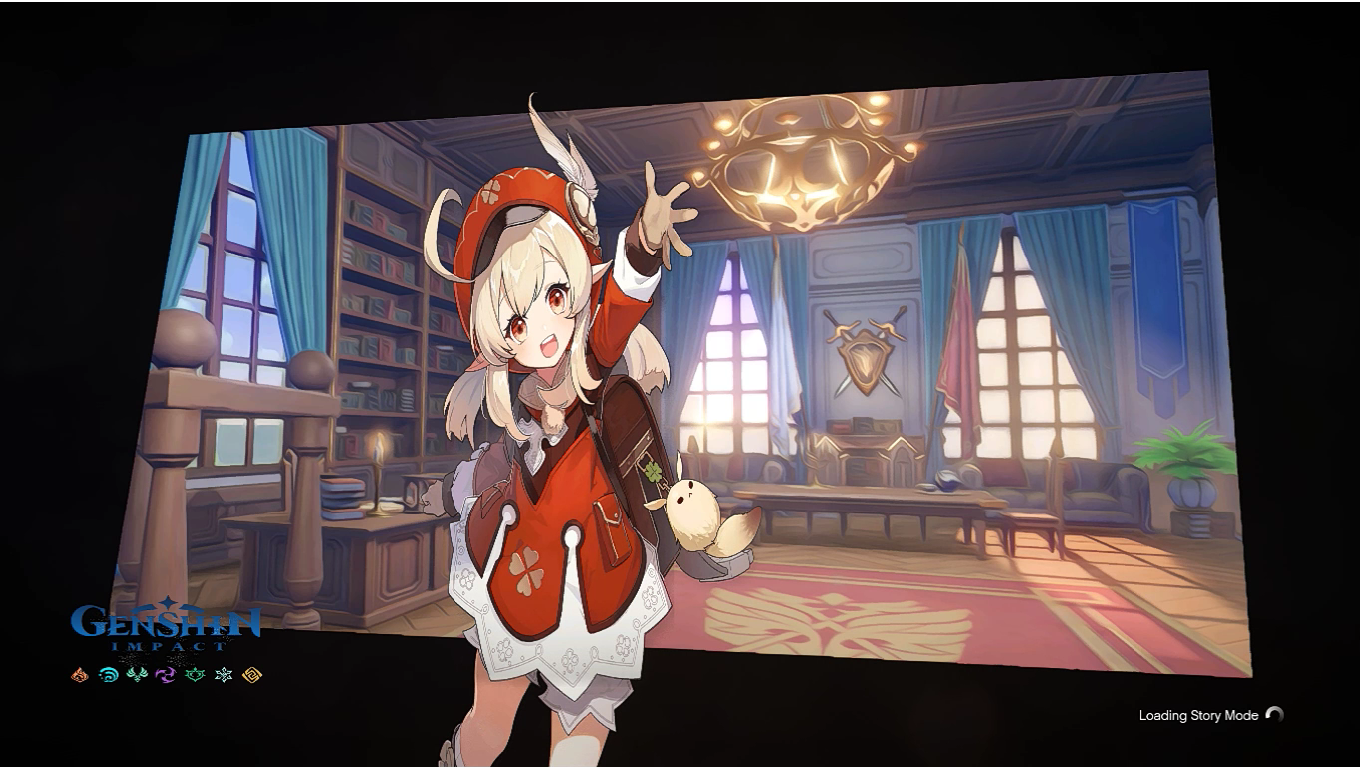
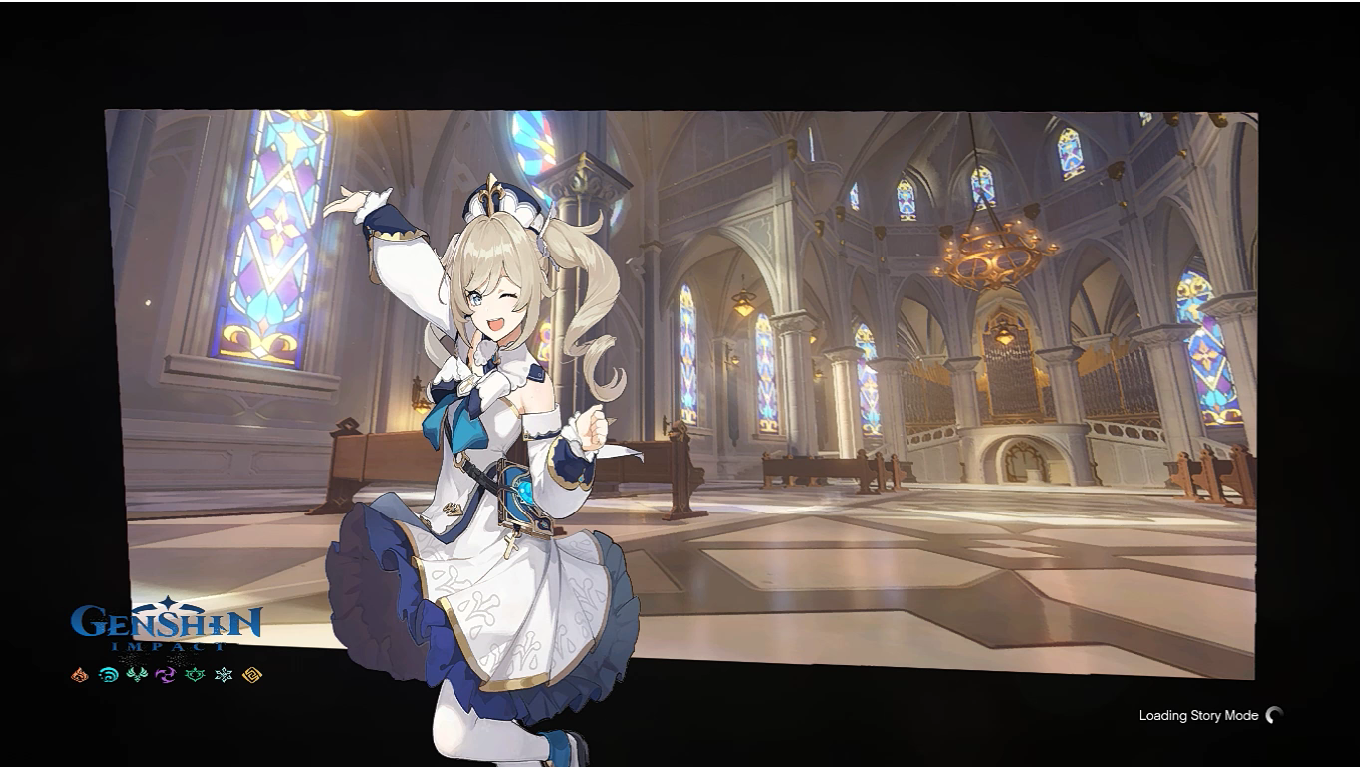
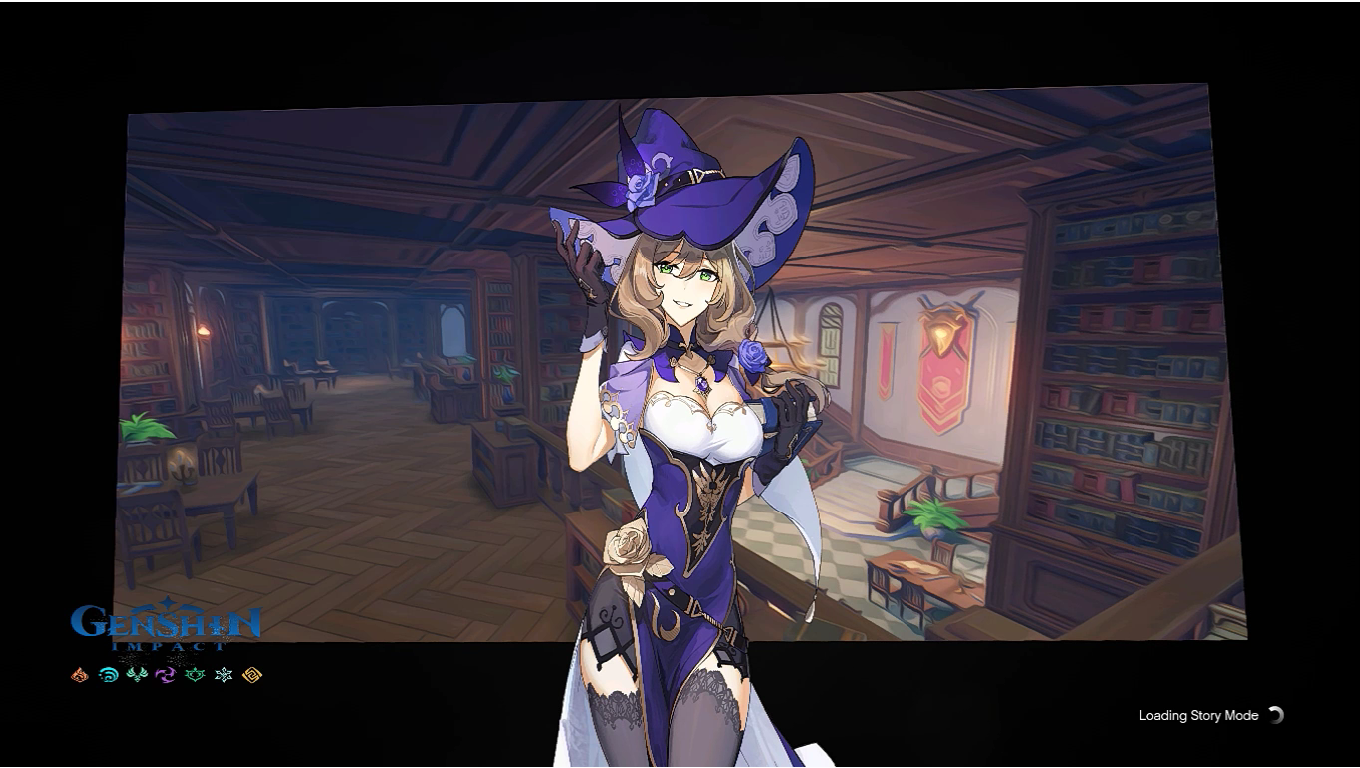
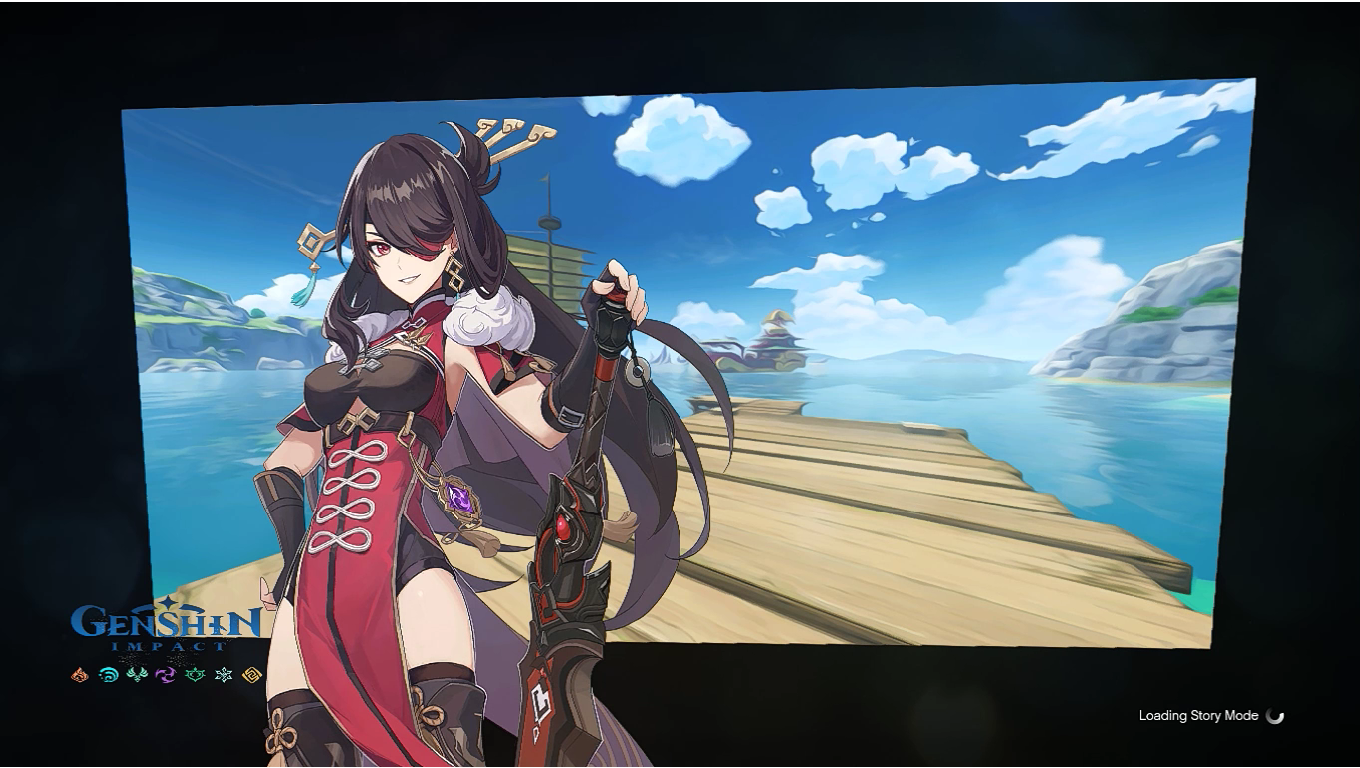
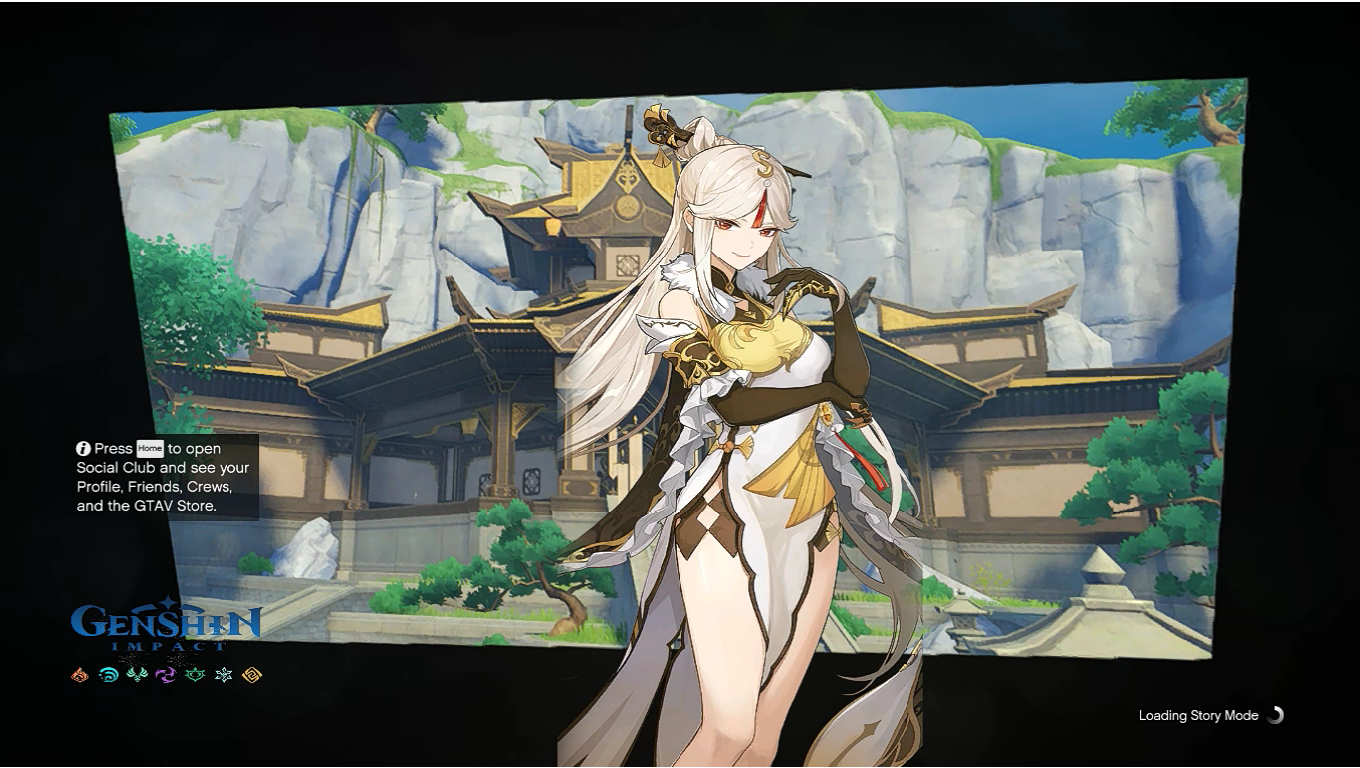
1.180
10
1.180
10
Requirements:
OpenIV
Installation:
1. Open OpenIV
2. Enter Edit-Mode
3. Go to mods\update\update.rpf\x64\textures replace frontend.ytd with this mod.
- Go To mods\update\update.rpf\x64\data\cdimages\scaleform_frontend.rpf\ replace with my mod.
- go to mods\update\update.rpf\x64\data\cdimages\scaleform_platform_pc.rpf\ replace with my mod
4. Save
Open The Games & Enjoy
Credits:
MiHoYo
OpenIV
Installation:
1. Open OpenIV
2. Enter Edit-Mode
3. Go to mods\update\update.rpf\x64\textures replace frontend.ytd with this mod.
- Go To mods\update\update.rpf\x64\data\cdimages\scaleform_frontend.rpf\ replace with my mod.
- go to mods\update\update.rpf\x64\data\cdimages\scaleform_platform_pc.rpf\ replace with my mod
4. Save
Open The Games & Enjoy
Credits:
MiHoYo
First Uploaded: Luns 7 de Decembro de 2020
Last Updated: Luns 7 de Decembro de 2020
Last Downloaded: Xoves 27 de Novembro de 2025
4 Comments
More mods by IndraConstantine:
Requirements:
OpenIV
Installation:
1. Open OpenIV
2. Enter Edit-Mode
3. Go to mods\update\update.rpf\x64\textures replace frontend.ytd with this mod.
- Go To mods\update\update.rpf\x64\data\cdimages\scaleform_frontend.rpf\ replace with my mod.
- go to mods\update\update.rpf\x64\data\cdimages\scaleform_platform_pc.rpf\ replace with my mod
4. Save
Open The Games & Enjoy
Credits:
MiHoYo
OpenIV
Installation:
1. Open OpenIV
2. Enter Edit-Mode
3. Go to mods\update\update.rpf\x64\textures replace frontend.ytd with this mod.
- Go To mods\update\update.rpf\x64\data\cdimages\scaleform_frontend.rpf\ replace with my mod.
- go to mods\update\update.rpf\x64\data\cdimages\scaleform_platform_pc.rpf\ replace with my mod
4. Save
Open The Games & Enjoy
Credits:
MiHoYo
First Uploaded: Luns 7 de Decembro de 2020
Last Updated: Luns 7 de Decembro de 2020
Last Downloaded: Xoves 27 de Novembro de 2025
 5mods on Discord

This file has been approved automatically. If you think this file should not be here for any reason please report it.
Thanks its so cool 😍
i love it👏
Very Nice 10/10👏